A chart you'll be proud to print.
Export any pattern as a printable PDF booklet for your beading workspace — a cover page, the pattern chart, and a materials list, plus stitch diagrams, word charts, a table of contents, and credits if you want them.
- Letter or A4
- Live page count
- Five print themes

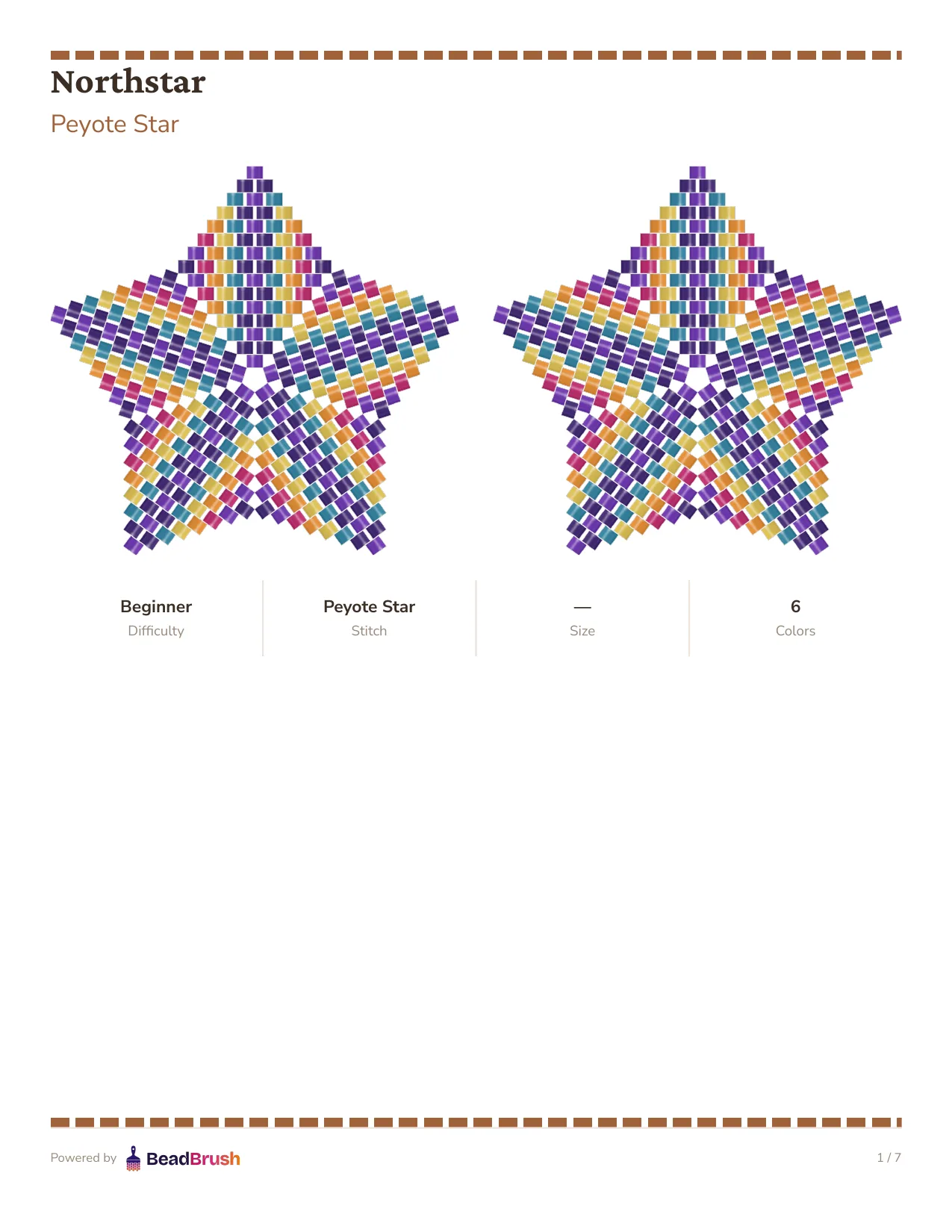
See it in the app


Or the clean Craft Minimal theme, the default look.
Everything you need at your beading table
The booklet always includes a cover page, the pattern chart, and a materials list — build the rest to fit what you're making.
Cover, chart, and materials list
Always included — the core of every exported booklet, no configuration needed.
Optional pages
Add a table of contents, stitch diagrams, word charts, and a credits & license page.
Letter or A4
Choose the paper size that matches your printer, and see the page count update as you toggle sections.
Professional themes
Pick a visual style for the booklet — editorial, warm artisan, minimalist, and more.
Personalize the cover
Set the cover details and credits so the booklet is unmistakably yours.
How it works
- 01
Open your pattern
Choose Export as PDF from any saved pattern.
- 02
Set up the booklet
Choose the pages to include, paper size, theme, and cover details.
- 03
GeneratePaid
Build the PDF from your setup — change a setting and generate again anytime.
- 04
Download
Save it and take it to your beading workspace.
Open your pattern
Choose Export as PDF from any saved pattern.
Set up the booklet
Choose the pages to include, paper size, theme, and cover details.
GeneratePaid
Build the PDF from your setup — change a setting and generate again anytime.
Download
Save it and take it to your beading workspace.
About PDF Export
A cover page, the pattern chart, and a materials list — every export includes these three, no matter what else you add.
Yes. Add a table of contents, stitch diagrams, word charts, and a credits & license page — the page count updates live as you toggle each one.
US Letter and A4.
PDF export requires a paid plan. Free-tier users can design and save patterns, but generating a printable PDF is a paid feature.
Take your pattern off the screen.
Start a free trial and export your first print-ready booklet in minutes.