The seed bead pattern designer that draws like you weave.
Sketch loom, peyote, or brick on a grid with true bead proportions, so what you draw is exactly what you'll weave. Fill a shape in a tap, mirror it across an axis, and undo as often as you like.
- 6 pattern types
- Photo to pattern
- No account to start
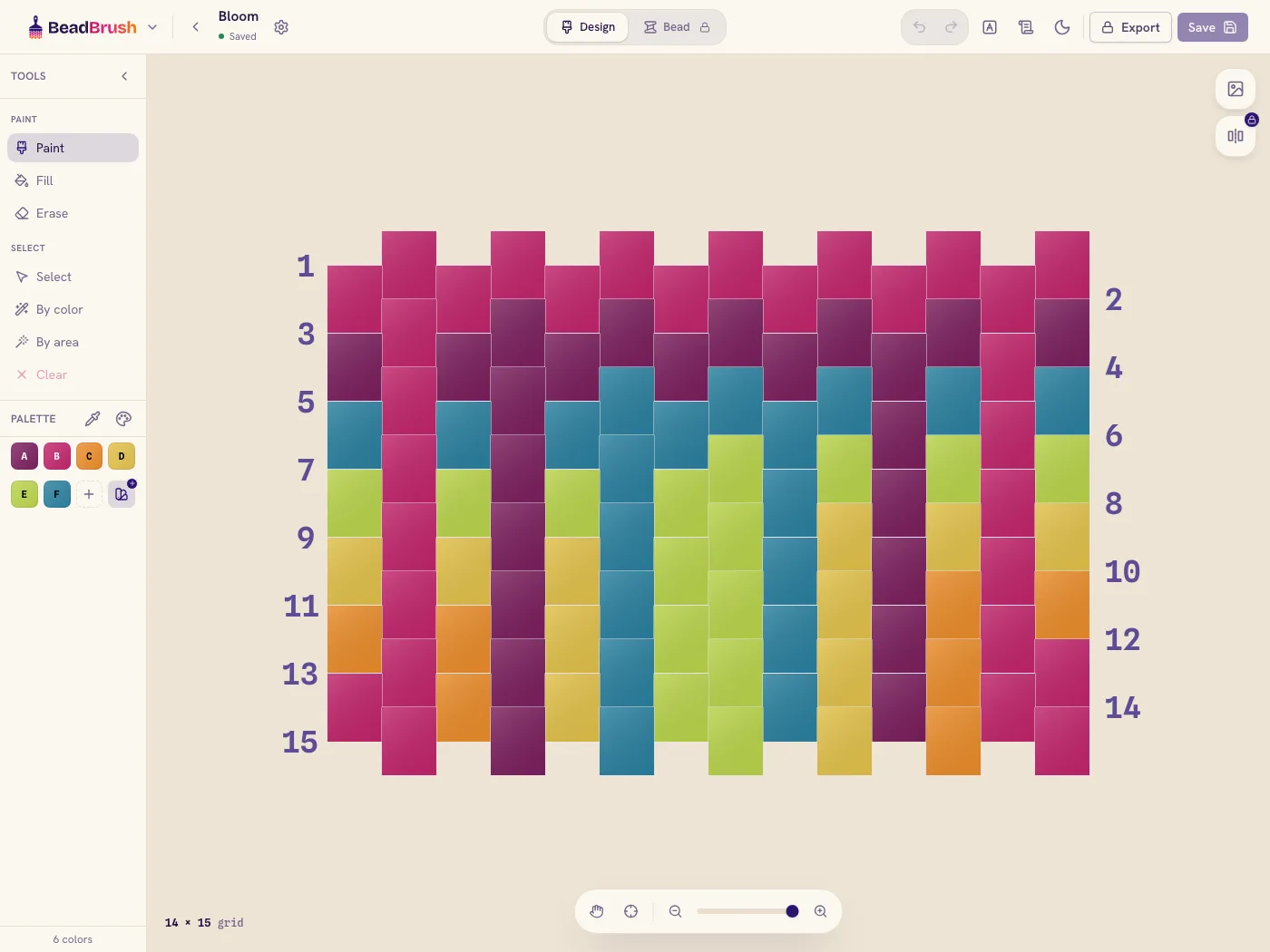
Everything you need to draw a bead chart
A canvas built for beadwork — real proportions, quick fills, and symmetry that does the repetitive rows for you.
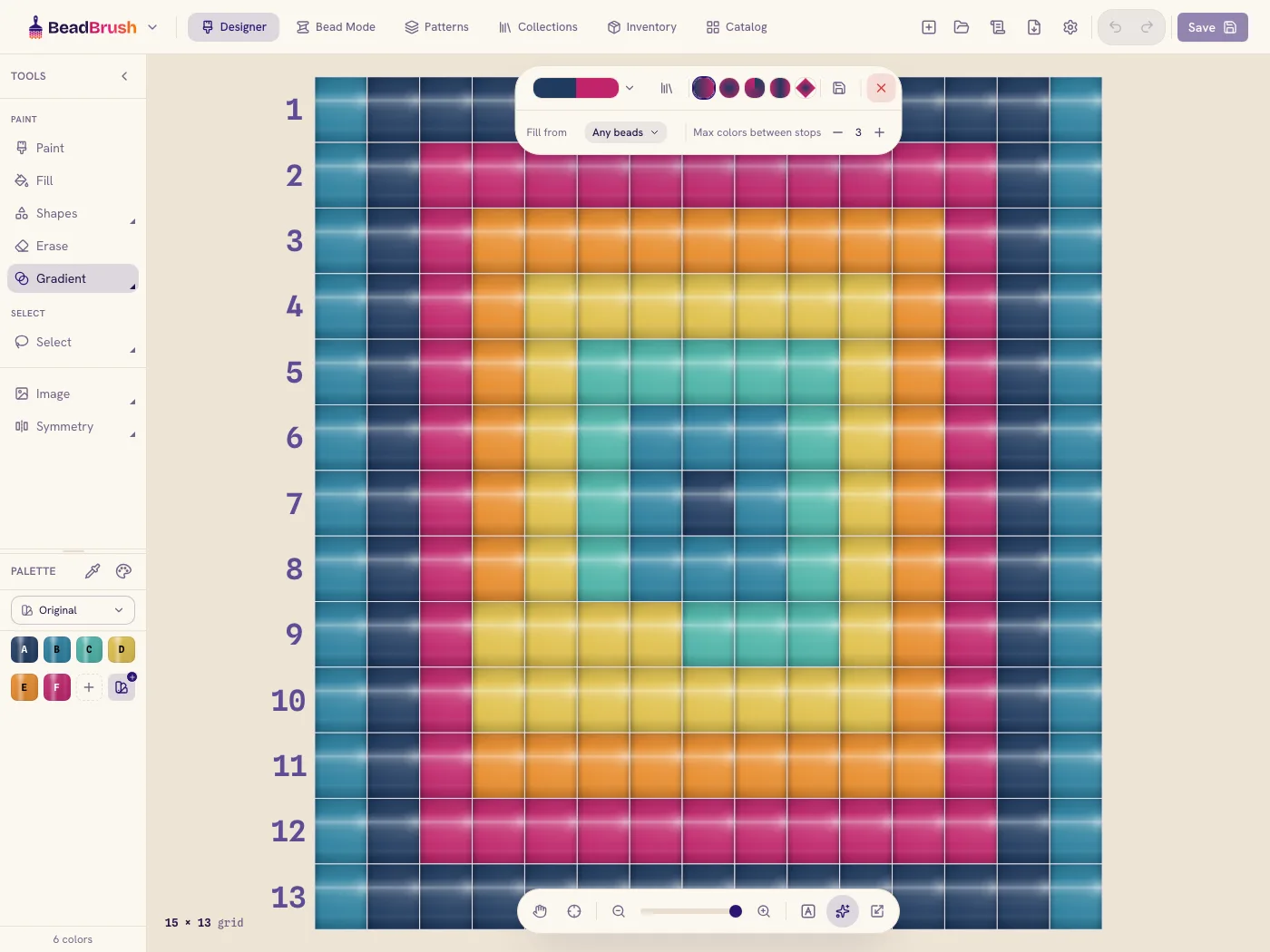
True bead grid
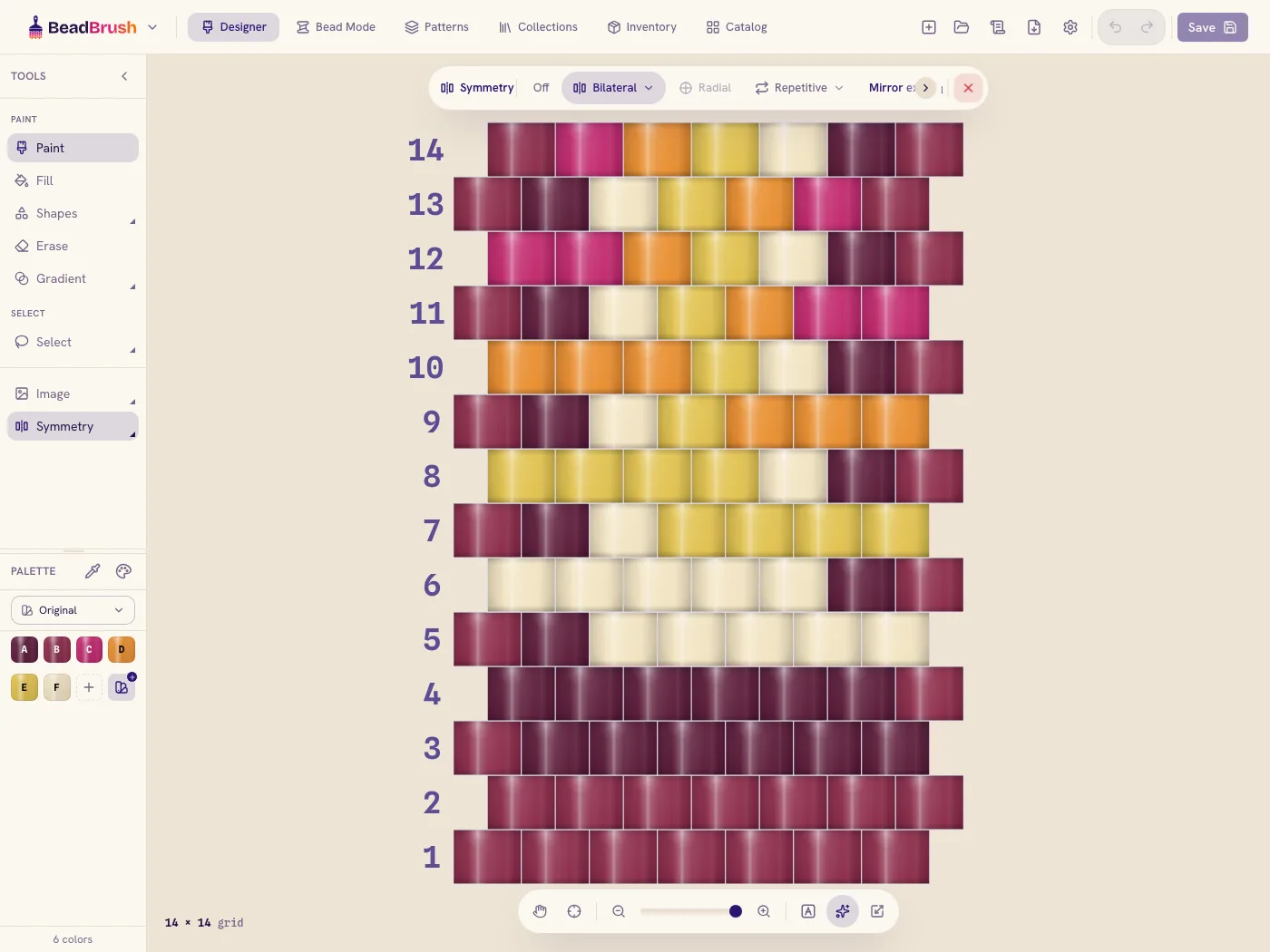
Every cell sits at the real proportion of your stitch, so a peyote chart looks and beads exactly like the finished fabric.
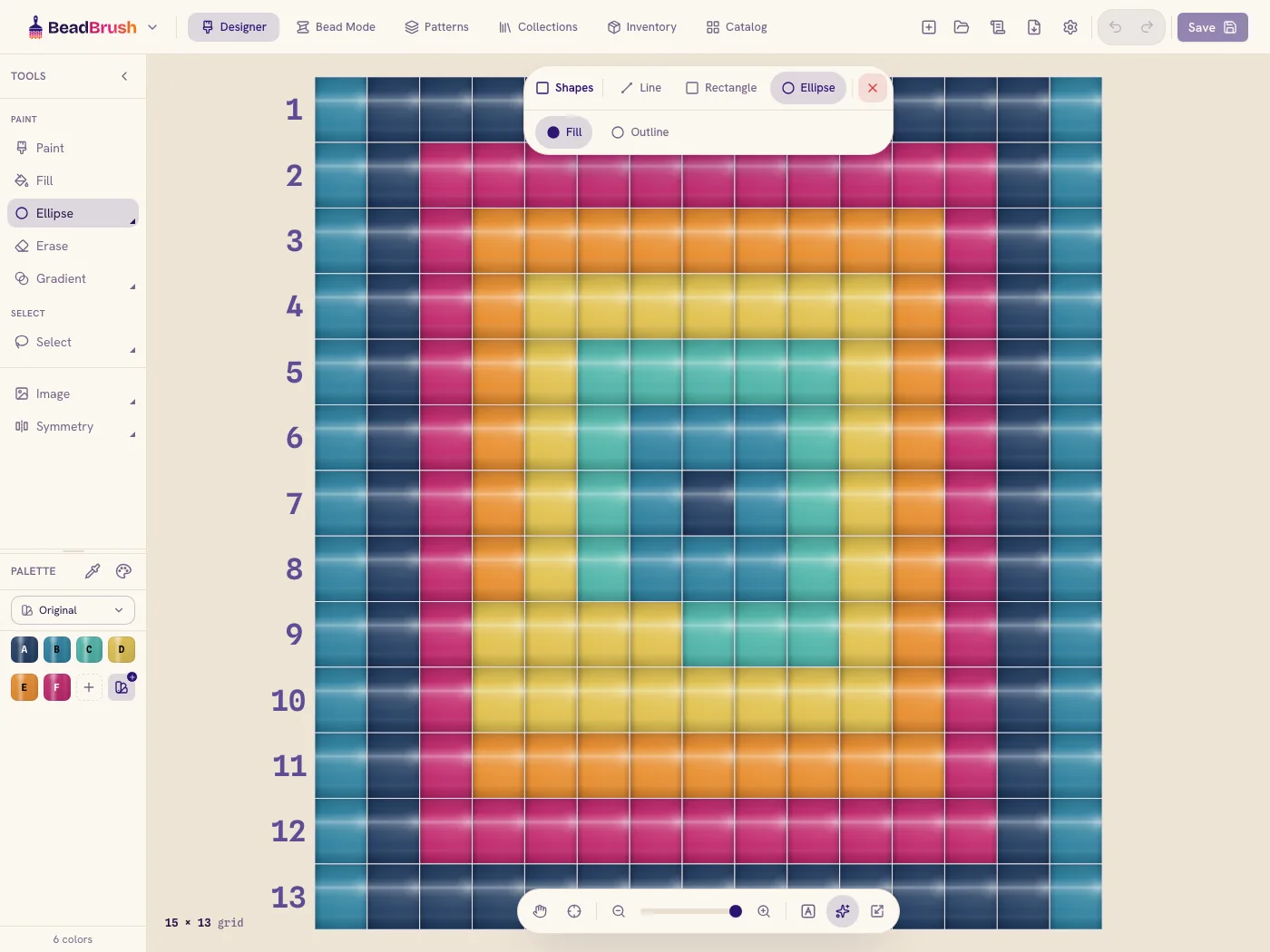
Flood fill & eyedropper
Fill a whole shape in one tap, or pick up any color already on the grid and keep painting with it.
Mirror & rotate paid
Paint one bead and watch it appear across an axis or around a center — the whole design fills in as you go.
Photo to pattern
Drop in an image or logo and BeadBrush maps it onto your grid with real bead colors, ready to refine.
Unlimited undo
Try anything. Undo and redo freely — nothing is ever locked in, so experimenting costs you nothing.
Three chart views
See your pattern as a colored grid, a symbol chart, and a row-by-row word chart — and copy the word chart anytime.
One designer, every stitch you love
Each type is charted with the geometry it really uses — increases, offsets, and corners land where they belong.
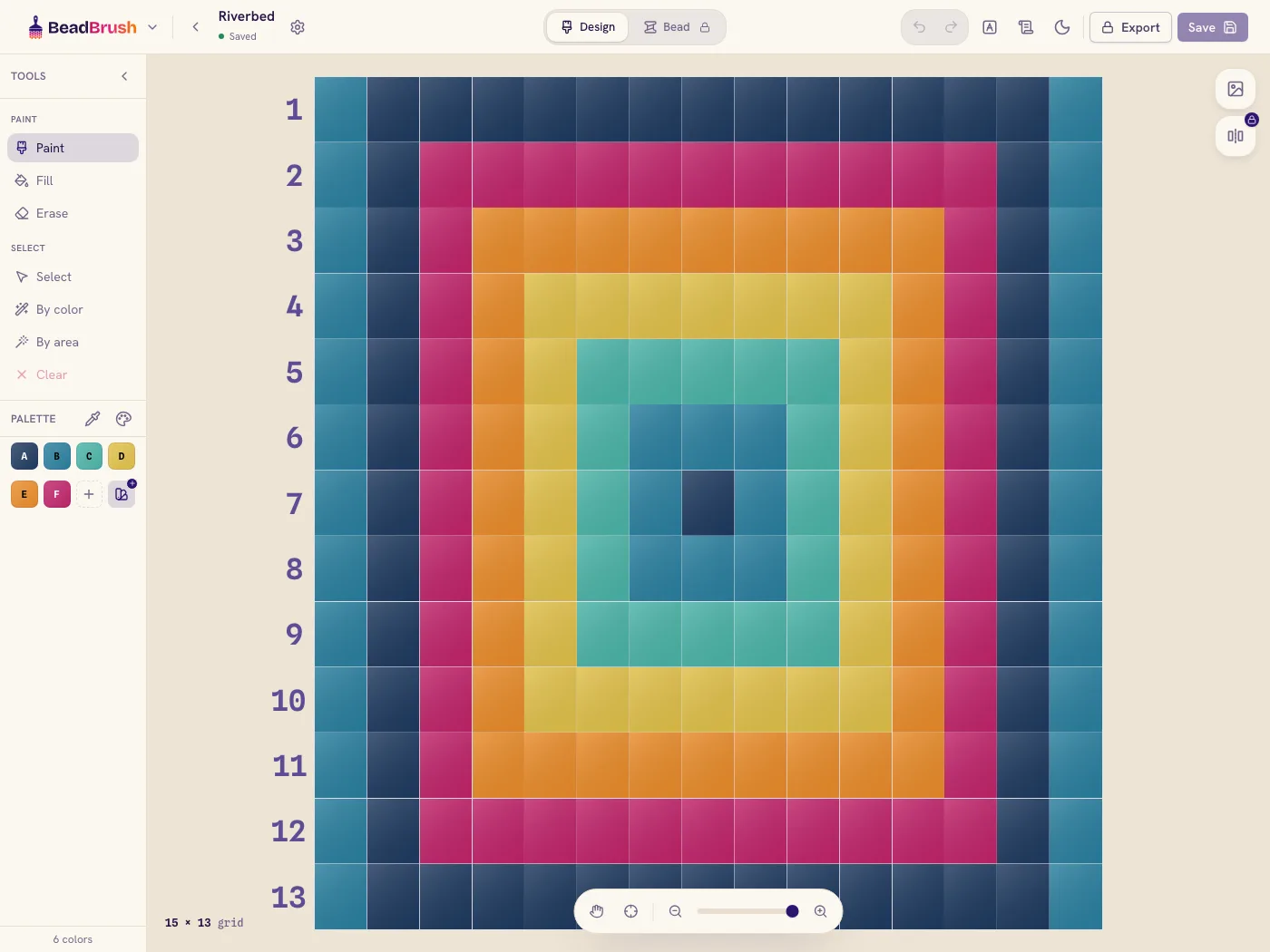
Loom
Straight, even rows on a warp — the friendliest place to start.
Peyote
Offset rows with the classic staggered brickwork of peyote stitch.
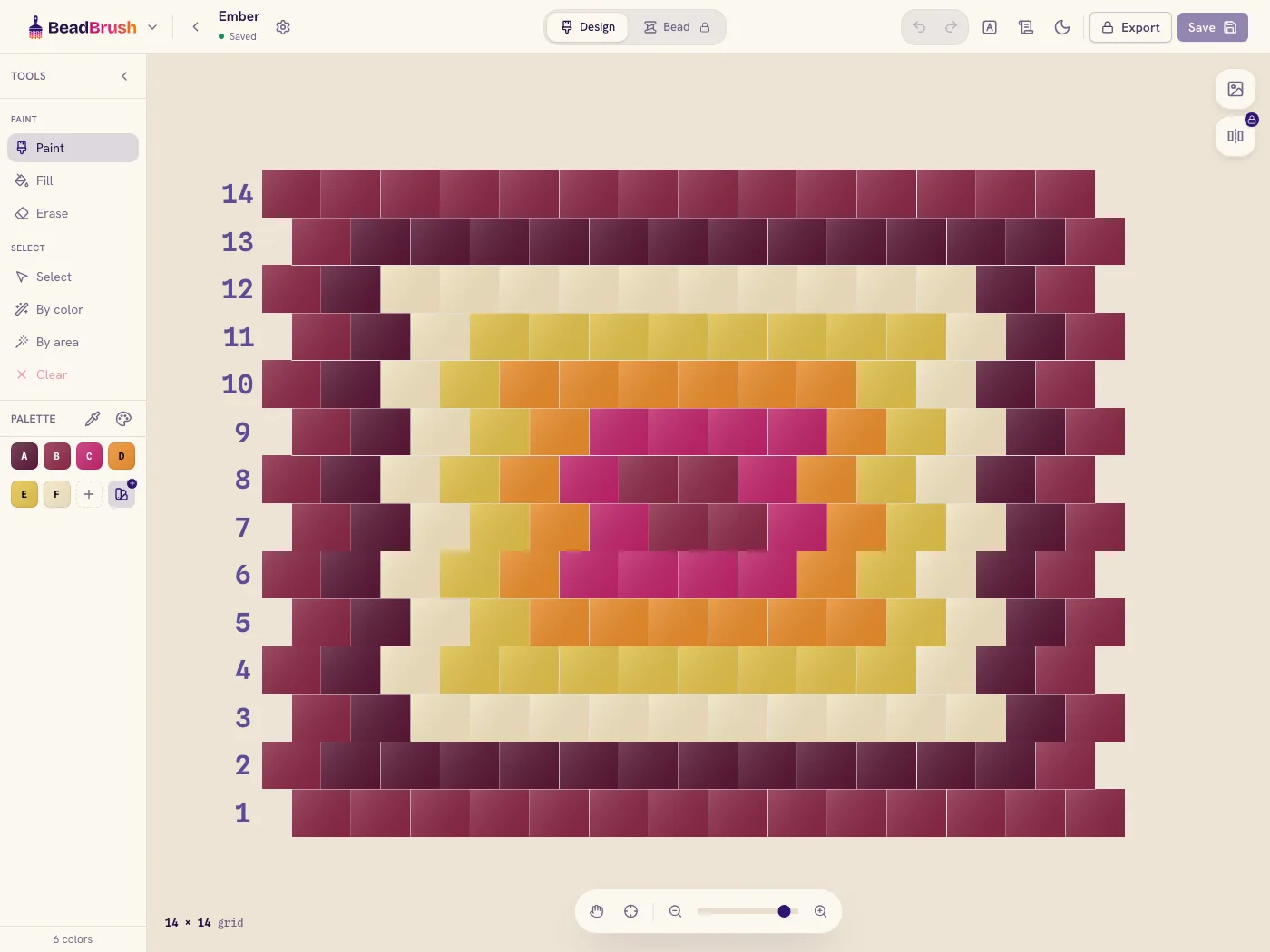
Brick
Stacked beads for shaped and sculptural bead-weaving.
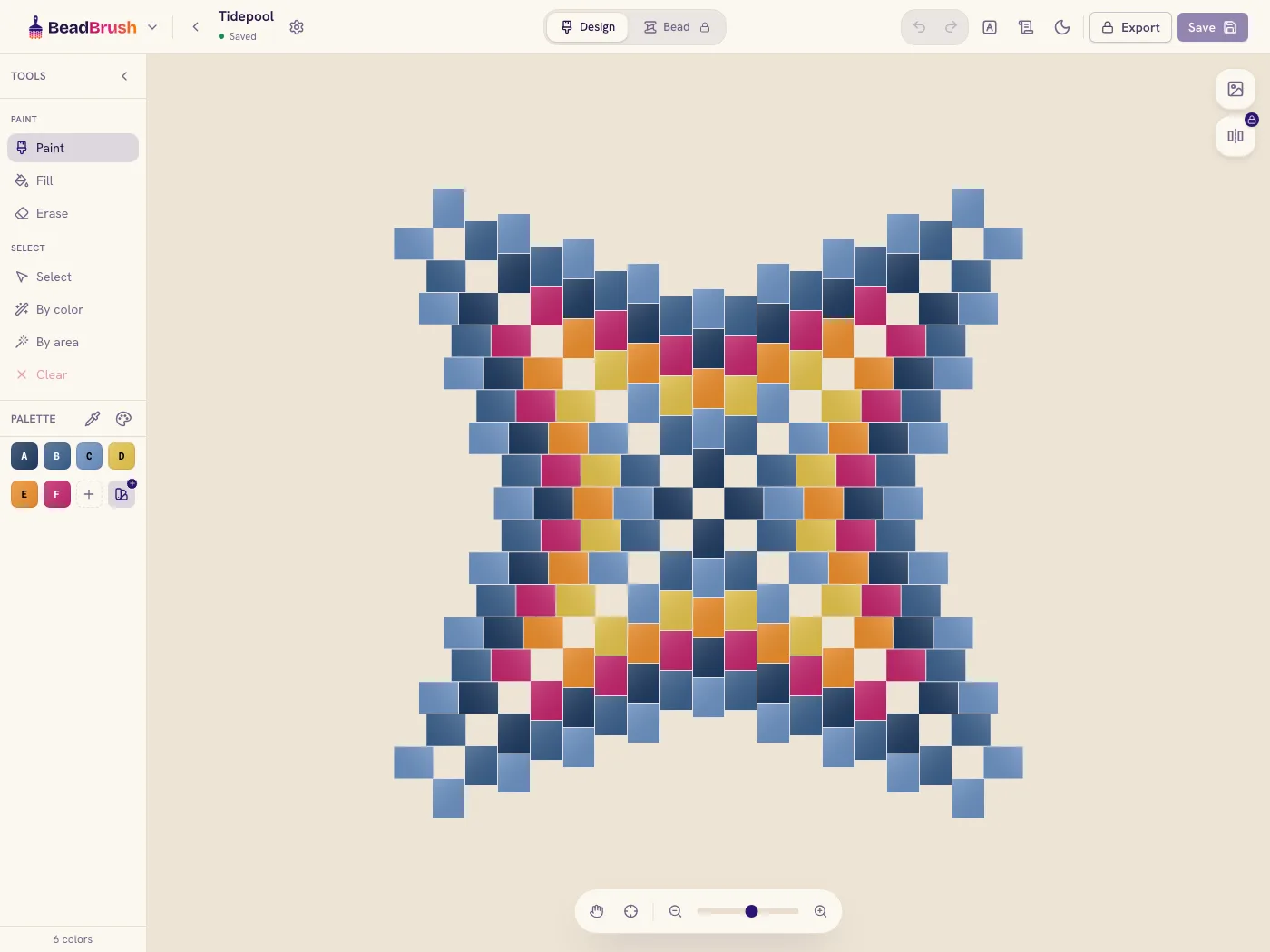
Warped Square
Increases that curve the fabric into a dimensional square.
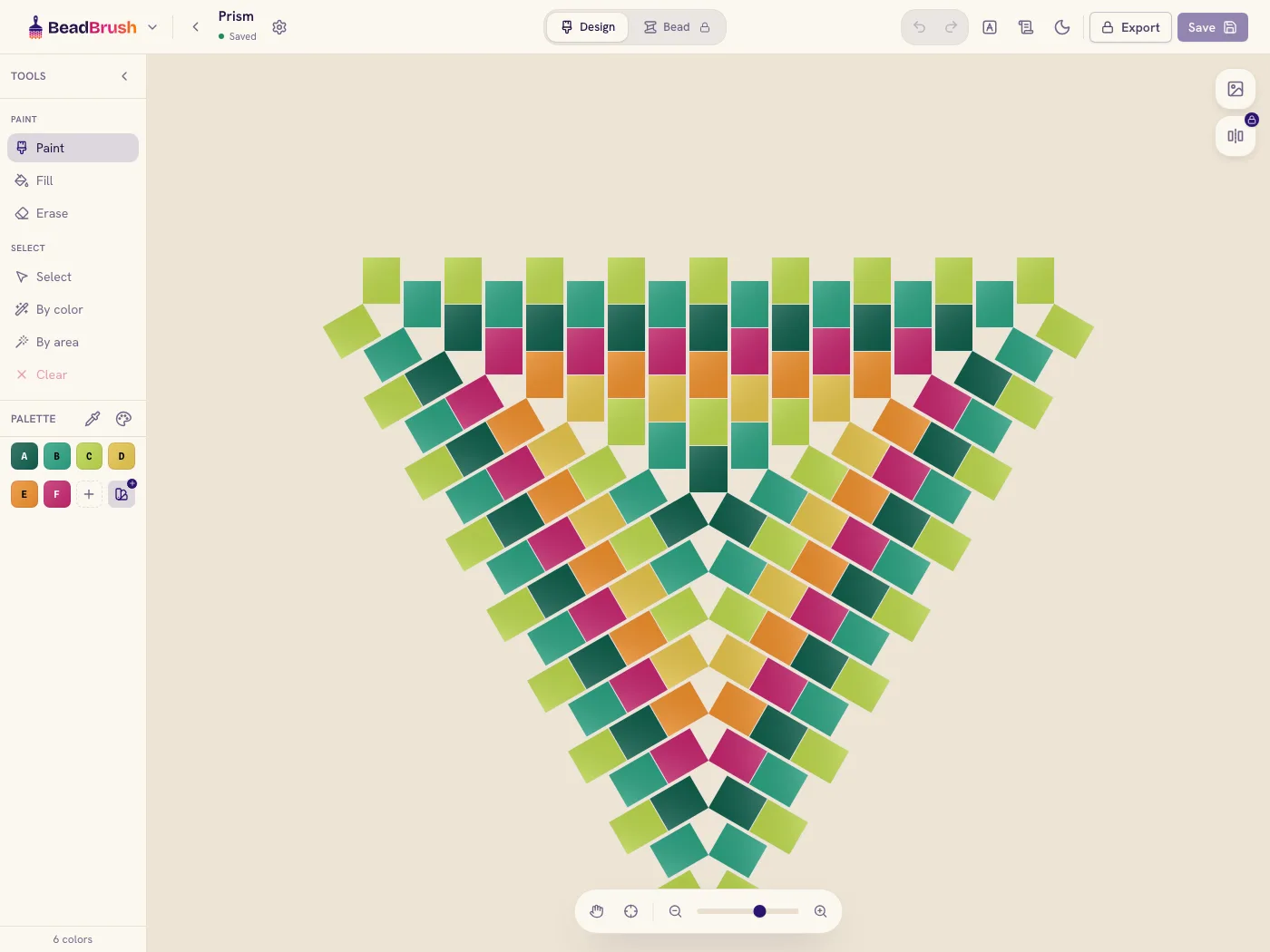
Triangle
Three-sided peyote with correct corner increases at each point.
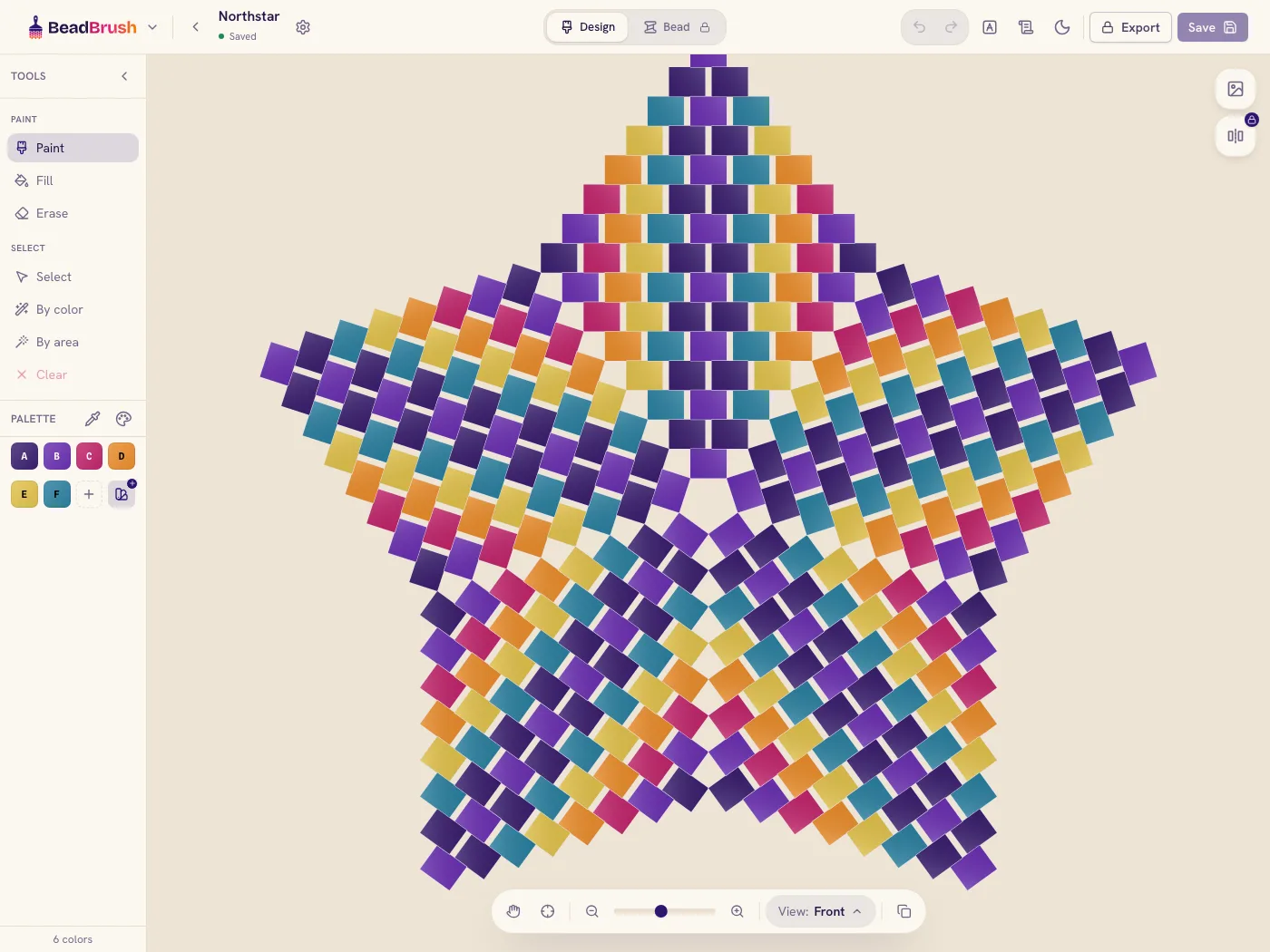
Star
Points radiating from the center — mandalas and rosettes.
See it in the app
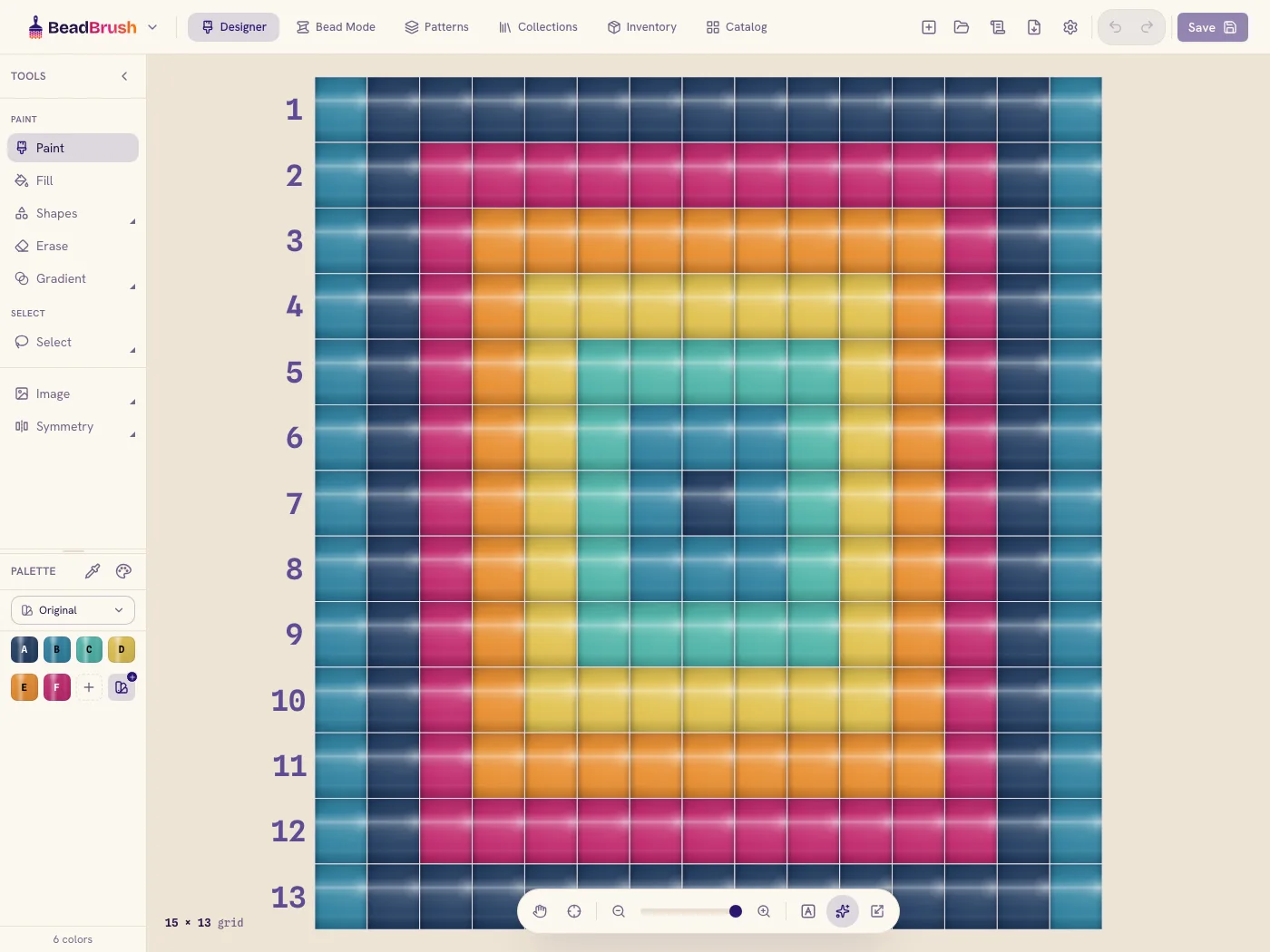
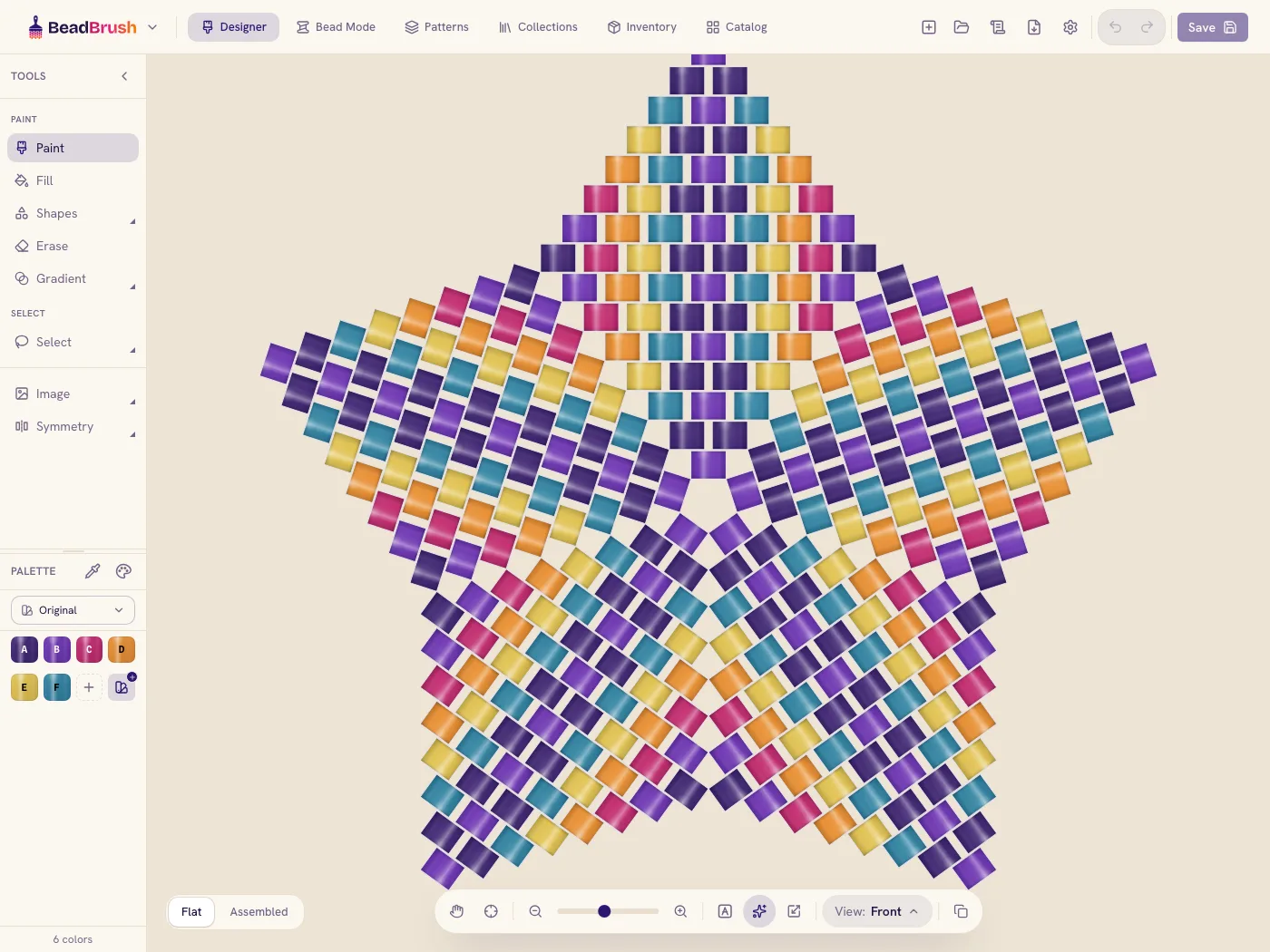
From blank grid to finished chart
- 01
Pick a type & size
Choose loom, peyote, or brick and set the width and height of your piece.
- 02
Lay down beads
Drag to place, flood-fill a shape, mirror across an axis, or copy a color with the eyedropper.
- 03
Gather your colors
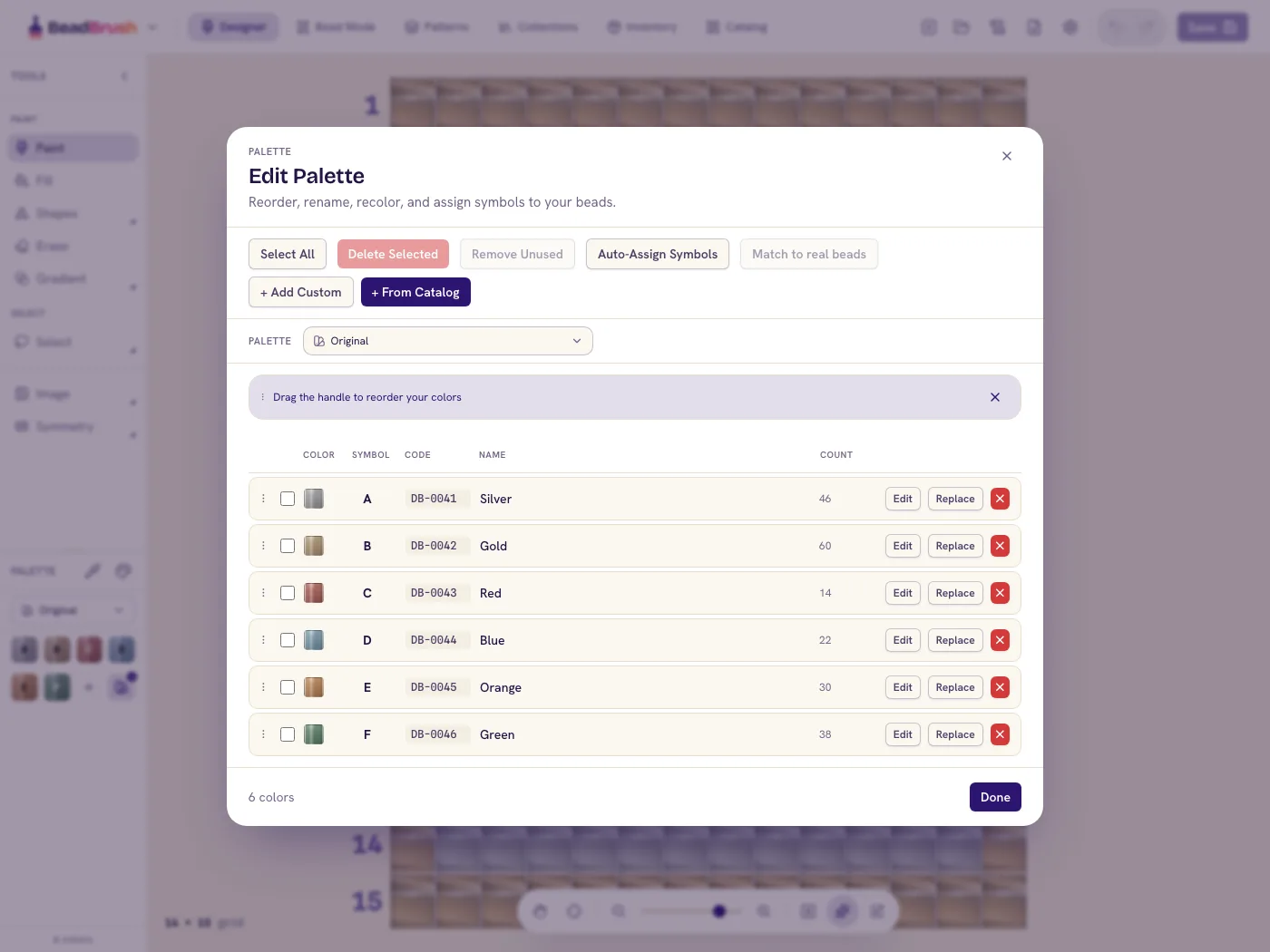
Pull beads from the catalog or add your own, give each a chart code, and watch the counts tally.
- 04
Export & make it
Send a print-ready chart and bead list to PDF, then settle in and bring it to life.
About the designer
Which stitches can I chart in the designer?
Loom, brick, and every kind of peyote — flat, warped square, triangle, and star — each charted with the right geometry so it behaves just like it will in your hands.
Can I turn a photo into a bead pattern?
Yes. Drop in an image and BeadBrush maps it onto your grid using real bead colors, then you refine it one bead at a time.
Do I need to know how to read a chart?
No. Every pattern shows up three ways — a colored grid, a symbol chart, and a row-by-row word chart. Start with whichever feels easiest and switch whenever you like.
Is the designer free?
Designing patterns is free. Symmetry painting (mirror and rotate) and PDF export are part of the paid plan, along with pattern collections and unlimited saved patterns.
Draw your first chart today
Open the designer, choose a stitch, and place your first bead. No account needed to start.
Open the designer — free