Every great piece starts with a single bead.
You already know the quiet joy of it — the colors lined up, the rhythm of the rows. BeadBrush gives that feeling a home: sketch your pattern on a true bead grid, pull from a catalog of real seed beads, and watch your colors come together.
Real bead colors on a true grid — begin with a little motif, a favorite photo, or a wide-open canvas.
Made for the way you love to bead
A designer, a library of real beads, a home for your stash, and charts you can hold — everything from that first spark to the finished piece.
Where your idea takes shape
Sketch loom, peyote, or brick on a grid with real bead proportions, so what you draw is exactly what you’ll weave — no surprises when you sit down at your beading table.
- Lay down colors, flood-fill a shape, or copy any color with the eyedropper
- Mirror across an axis or rotate around a center — your whole design fills in as you paint Paid
- Turn a photo into a pattern, then refine it bead by bead
- Copy your word chart to your clipboard anytime
- Undo and redo freely — nothing is ever locked in


The beads you already love
Browse a catalog of real seed beads and pull the colors you actually weave with straight onto your palette — or add them to your inventory.
- Search thousands of real seed beads by size, finish, and color
- Real product codes and names from top bead brands — the ones on your tubes
- See every bead true to its real color and finish

Everything you’ve got, in one place
Keep your whole stash in BeadBrush — every color, count, and code in one calm, searchable place.
- Track your inventory by count or by weight
- Add your own custom colors right alongside catalog beads
- See at a glance which colors are running low

A chart you’ll be proud to print
Export a polished, print-ready PDF, then make it your own: choose a professional theme with its own color scheme and layout, and pick exactly what goes on the page.
- Choose a professional theme — editorial, warm artisan, minimalist, and more — each with its own colors and layout
- Pick what to include: color, symbol, and word charts, a numbered bead legend, and per-color counts
- Add a cover with a photo, difficulty, and finished size — and print on Letter or A4

From first bead to finished piece
- 01
Pick your pattern type & size
Choose loom, peyote, or brick and set the width and height for your piece.
- 02
Lay down your beads
Drag to place beads, flood-fill a shape, mirror across an axis, or copy an existing color with the eyedropper.
- 03
Gather your colors
Pull beads from the catalog or add your own colors, give each a chart code, and watch the counts tally as you paint.
- 04
Print it & make itPaid
Send a print-ready chart and bead list to PDF, then settle in at your crafting space and bring it to life.
Pick your pattern type & size
Choose loom, peyote, or brick and set the width and height for your piece.
Lay down your beads
Drag to place beads, flood-fill a shape, mirror across an axis, or copy an existing color with the eyedropper.
Gather your colors
Pull beads from the catalog or add your own colors, give each a chart code, and watch the counts tally as you paint.
Print it & make itPaid
Send a print-ready chart and bead list to PDF, then settle in at your crafting space and bring it to life.
From loom to peyote stars
Loom, brick, and every kind of peyote — flat, warped square, triangle, and star — each one charted with the right geometry, so it behaves just like it will in your hands.
Loom
loomPeyote
peyoteBrick
brickPeyote Warped Square
peyotePeyote Triangle
peyotePeyote Kite
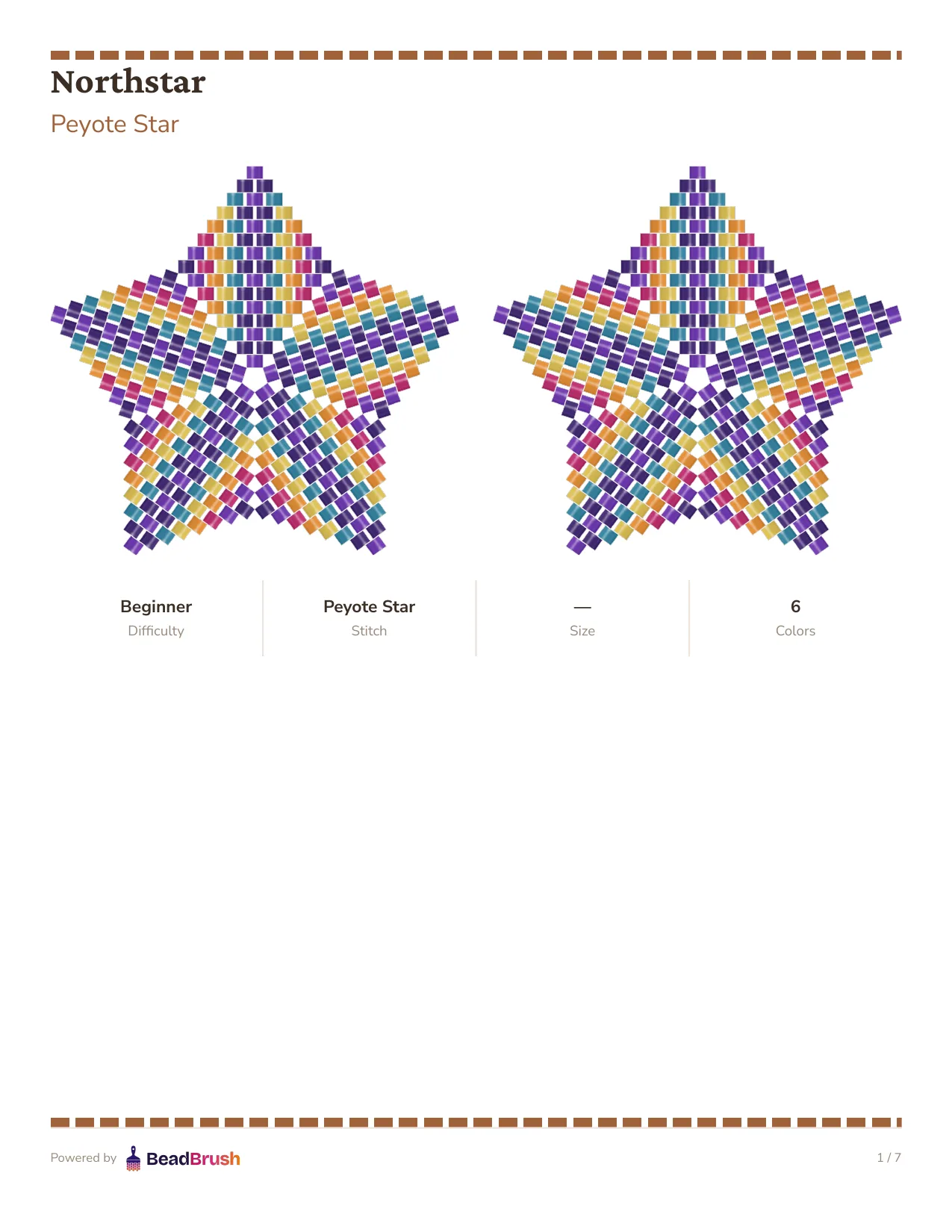
peyotePeyote Star
peyoteKaleidocycle
peyoteA few things you might be wondering
Not at all. Every pattern shows up three ways — a colored grid, a symbol chart, and a row-by-row word chart. Start with whichever feels easiest, and switch whenever you like.
Seed beads from 15/0 up to 6/0, plus cylinder beads like Delicas — each one charted at the right proportions, so the pattern matches what ends up on your thread.
Absolutely. Drop in an image and BeadBrush maps it onto your grid using real bead colors — then you make it your own, one bead at a time.
A polished, print-ready PDF that you control. Pick a professional theme — editorial, warm artisan, minimalist, and more, each with its own color scheme and layout — then choose what goes in: color, symbol, and word charts, a numbered bead legend with names and codes, per-color counts, and a cover with your finished size.
It does. The mobile studio reflows the whole tool into a one-handed layout — tap or drag to place beads, pinch to zoom, and reach your palette in a bottom sheet.
Yes — designing patterns, browsing the bead catalog, and tracking your stash are all free. When you’re ready for more, the paid plan adds symmetry painting, PDF export, pattern collections, and unlimited saved patterns.
Yes. Every color in the catalog is pulled from the real Miyuki catalog, with the actual product codes and finish types printed on your tubes — so what you see on screen is what you'll be beading with.
Yes, and it's free forever — no subscription needed. Design patterns, browse the bead catalog, and track your stash without paying a thing.
Easily. BeadBrush is a digital canvas built for peyote, loom, and brick stitch, with the same row-by-row logic you already know from graph paper — and you can still print your pattern when you're ready to bead.
No — BeadBrush is built specifically for Miyuki Delica and Round seed-bead weaving in peyote, loom, and brick stitch. It doesn't chart cross-stitch, knitting, or crochet patterns.
Come make something beautiful.
Open the designer and lay down your first bead — no sign-up, no install, just you and a fresh grid.